Video
Claim your profile
Search your name, open your profile and claim it free. 33 seconds.
- Search your name on Find a Doctor, then tap your profile.
- Open your profile and tap Claim This Profile.
- Sign in with Google, or with your email and the 6-digit code we send you.
- Tap Find Me, then This Is Me.
- That’s it. Your profile is yours, and you land in your account.
- Got our email? Its link claims your profile in one tap.
In this video
- Search your name on Find a Doctor, then tap your profile.
- Open your profile and tap Claim This Profile.
- Sign in with Google, or with your email and the 6-digit code we send you.
- Tap Find Me, then This Is Me.
- That’s it. Your profile is yours, and you land in your account.
- Got our email? Its link claims your profile in one tap.
More how-to videos
Watch: how Doctors’ Choice Awards works 
- First, find your profile. Just search your name. You may already be listed.
- Claim it. It’s free. Sign in with your email, and it’s yours.
- Recommend colleagues you trust. Give one, and you’re a Nominee.
- Ask them to recommend you. We email them for you, or you can share your link.
- Most recommendations in your city wins. One is enough to start.
- Win a 2027 Doctors’ Choice Award. City, State and National Winner. Every award is free to win.
How Doctors’ Choice Awards works
Find your profile, claim it, recommend colleagues and win. 45 seconds.
Watch: how to recommend a colleague 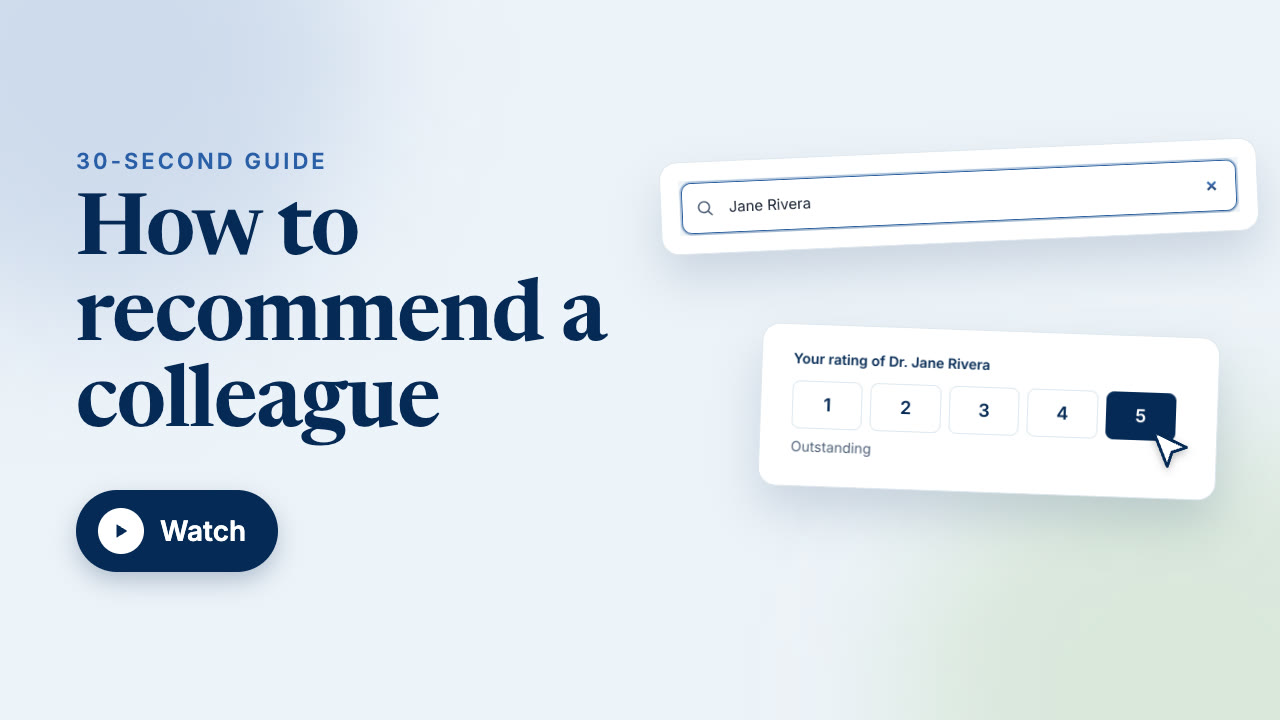
- Type your colleague’s name.
- Tap Recommend.
- Rate them and say why.
- Add your name, state and email.
- Tap Save. We’ll email you when it’s live.
Recommend a colleague
Find a colleague, rate them and say why. 30 seconds.
Watch: what DCA Premium does, in 40 seconds 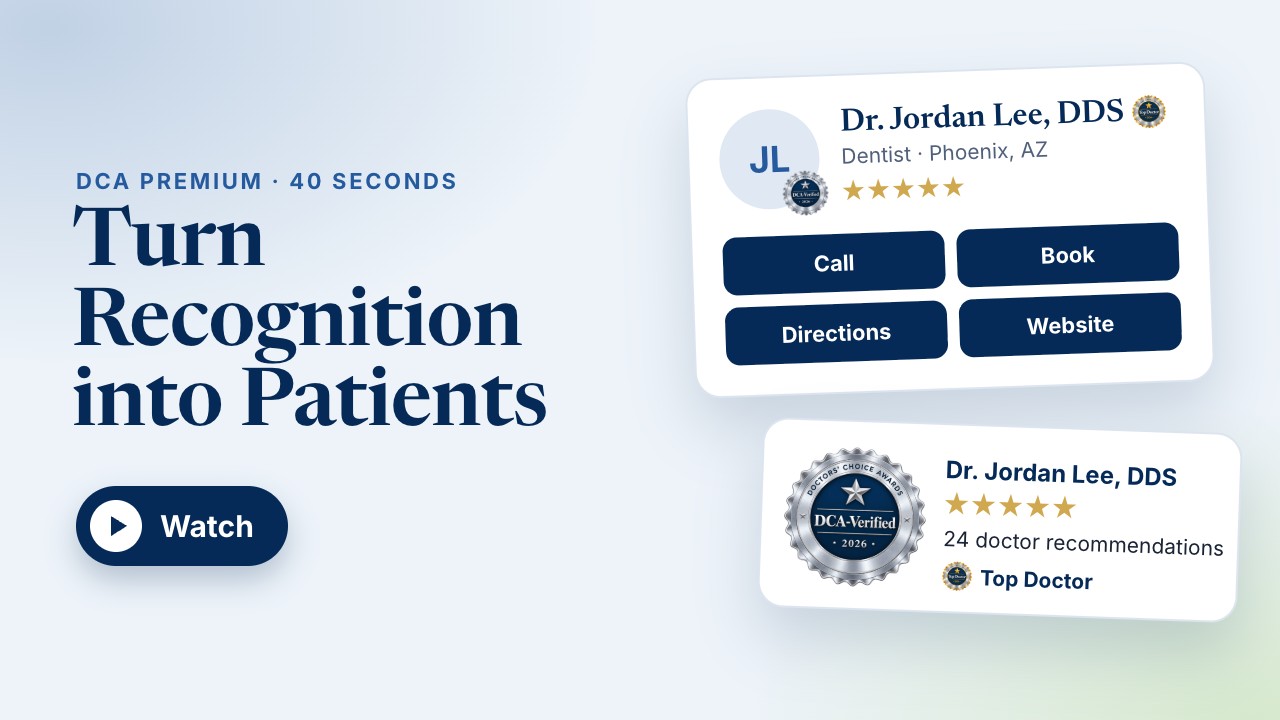
What DCA Premium does
The DCA-Verified badge, your contact buttons and your badge files. 40 seconds.